
Wet Phone in Rice? Why It Can Do More Harm Than Good
Wet Phone? Don’t Put It in Rice – Here’s What to Do Instead
💧 Liquid Damage
⏱ 4 min read
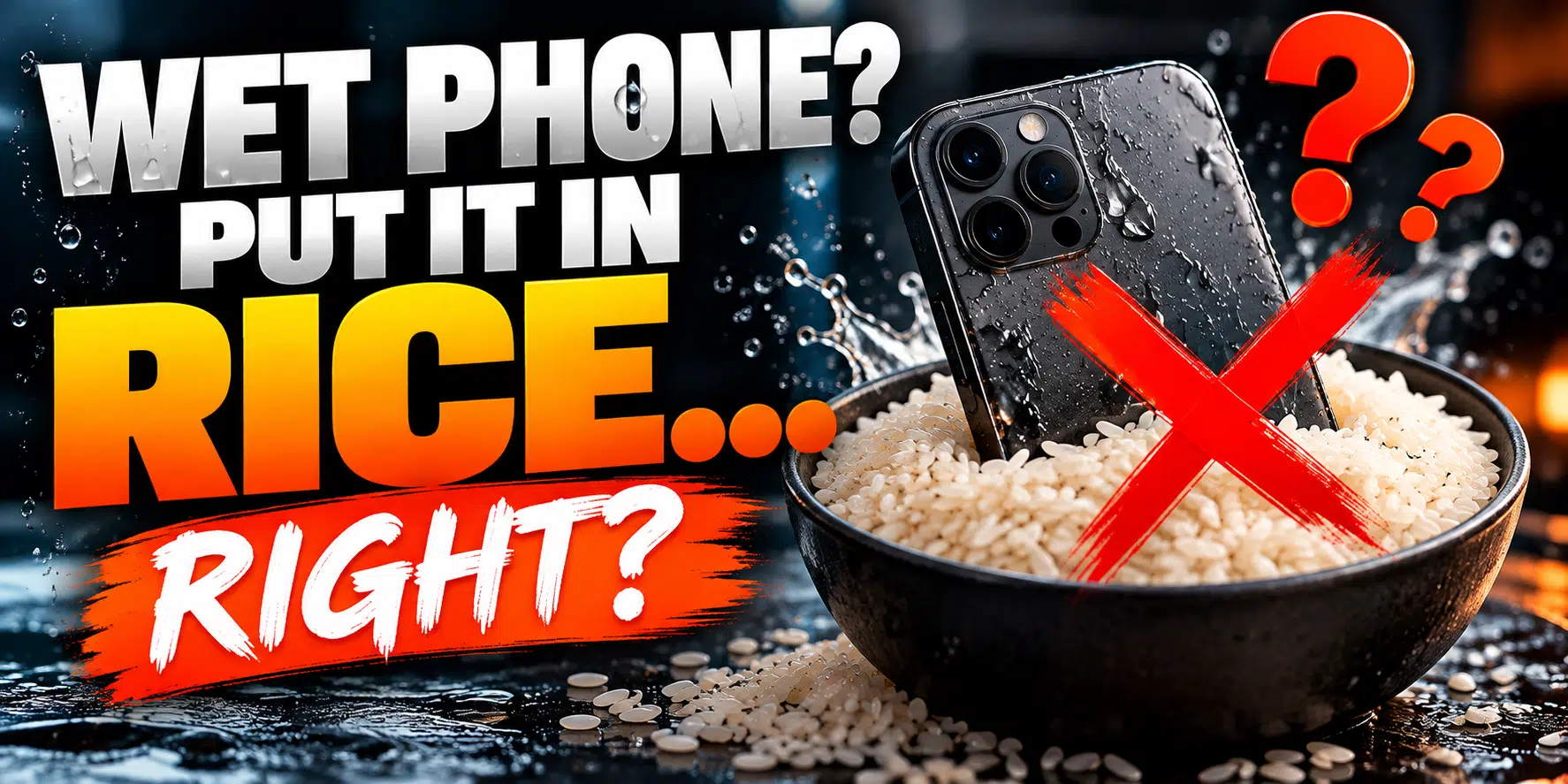
You dropped your phone in the sink, the toilet, the pool or the lake. Your first thought? Grab a bag of rice.
It’s the most famous phone “fix” out there, and almost everyone has tried it. But here’s the truth: putting a wet phone in rice can do more harm than good. Even Apple now officially recommends against it.
Myth vs. fact
❌ THE MYTH
Rice absorbs moisture, so it will dry out your phone and save it.
✅ THE FACT
Rice absorbs a little humidity from the air, but it can’t remove the liquid and residue trapped inside your phone.
4 reasons to skip the rice
- 1 It doesn’t reach the water inside – rice only pulls a little moisture from the outside of your phone. The liquid that causes damage is trapped under shields and between components, where rice can’t reach.
- 2 Corrosion starts while you wait – water, and especially pop, coffee, salt water or pool water, leaves minerals behind that start corroding the board within hours. Sitting in rice for 2–3 days just gives corrosion a head start.
- 3 Rice dust gets into your phone – rice is coated in fine starch and dust, and small pieces can break off. They can get stuck in the charging port, speaker and microphone, creating a brand-new problem.
- 4 It gives a false sense of security – the phone turns back on, so it seems fixed. Then it dies a few weeks later as corrosion keeps spreading, and a simple cleaning job becomes a much bigger repair, or your data is lost.
⚠ Why “it still works” doesn’t mean it’s okay
Liquid damage is sneaky. A phone can work perfectly for days or weeks while corrosion slowly eats away at tiny connections on the board. By the time you notice problems like no charging, a dead screen, no sound or random restarts, the damage has often spread.
The sooner the board is opened and properly cleaned, the better the chances of saving the phone, and everything on it.
What to do if your phone gets wet
- 1 Turn it off right away – and leave it off. Power running through a wet board is what causes the most damage.
- 2 Don’t charge it – even if the battery is low, don’t plug anything in.
- 3 Take off the case – and wipe the outside dry with a soft, lint-free cloth.
- 4 Gently tap it – with the charging port facing down to help drain liquid out.
- 5 Get it inspected as soon as possible – the faster it’s opened and cleaned, the better the chances.
What NOT to do
- ✗ Don’t put it in rice – for all the reasons above
- ✗ Don’t use heat – no hair dryer, oven or heater. Heat can damage the battery, screen and seals.
- ✗ Don’t keep turning it on to “check if it works”
- ✗ Don’t shake it hard – this spreads liquid further inside
- ✗ Don’t blow into the ports or push cotton swabs inside
💡 Seeing a “Liquid Detected” alert on your iPhone?
That alert means your iPhone has detected moisture in the charging port. Unplug the cable and let the phone air-dry in a well-ventilated spot with the port facing down. Avoid using the emergency override to force-charge it.
If the alert keeps coming back, or your phone was fully submerged, have it checked.
“But my phone is water-resistant…”
Most modern iPhones have an IP water-resistance rating, but water-resistant isn’t waterproof. The seals wear down over time and are often weakened after a drop or a previous repair. Apple’s warranty also doesn’t cover liquid damage. So treat any dunk seriously, even with a newer phone.
How we handle liquid damage
When a wet device comes in, we open it up, inspect the board and professionally clean away the liquid and residue before corrosion spreads. If parts like the screen, battery or charging port were affected, we can usually replace them the same day. We’ll always give you an honest assessment of what can be saved before any work begins.
Learn more about our iPhone repair services.
🏊 Phone took a swim?
Skip the rice. Turn it off and contact us as soon as possible. Time really matters.
Serving the Greater Moncton Area
Located at 2 Inglewood Street in Moncton, NB. We provide liquid damage inspection and phone repair to Moncton, Dieppe, Riverview, and surrounding communities.
#WetPhone
#RiceMyth
#iPhoneRepair
#LiquidDamage
#PhoneTips
#MonctonNB
#JSInformation
